OpenAI DevDay, one week later: what worked, what didn’t, and what matters
A week after OpenAI DevDay: which announcements are already useful, where the experience falls short, and what deserves your attention.
I got home from OpenAI DevDay without a wink of sleep on the red-eye. I spent the trip trying to learn as much as possible and I needed to catch up on some work.
I asked my new Dot, OpenAI’s proactive assistant launched the day before, to check my email and Slack. Was there anything urgent I needed to finish before the end of the day?
There was. It found an urgent client requirement, opened my Google Drive, filled out the required form, and had me approve it before sending an email reply that it was ready.
That was my first day working with Dots. A week later, I have a clearer view of what OpenAI’s announcements mean in practice: which tools are already useful, where the experience falls short, and what deserves your attention.
Back to Fort Mason
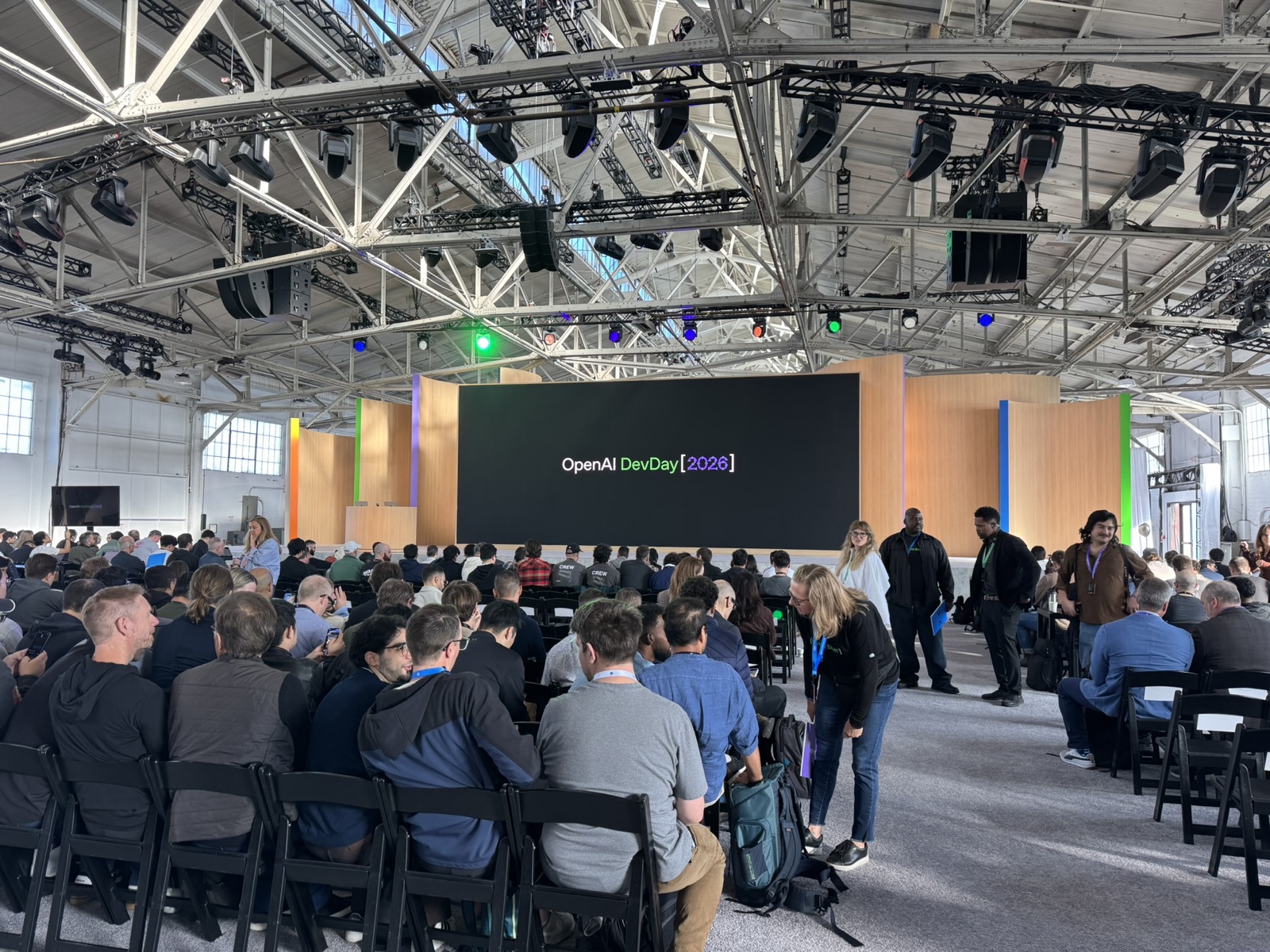
I arrived early at Fort Mason in San Francisco, excited to spend the day with 2,500 other people who build things with AI. These were people who work with OpenAI (and competitor) products every day, try unusual ideas, and make things because they want to see whether they can.
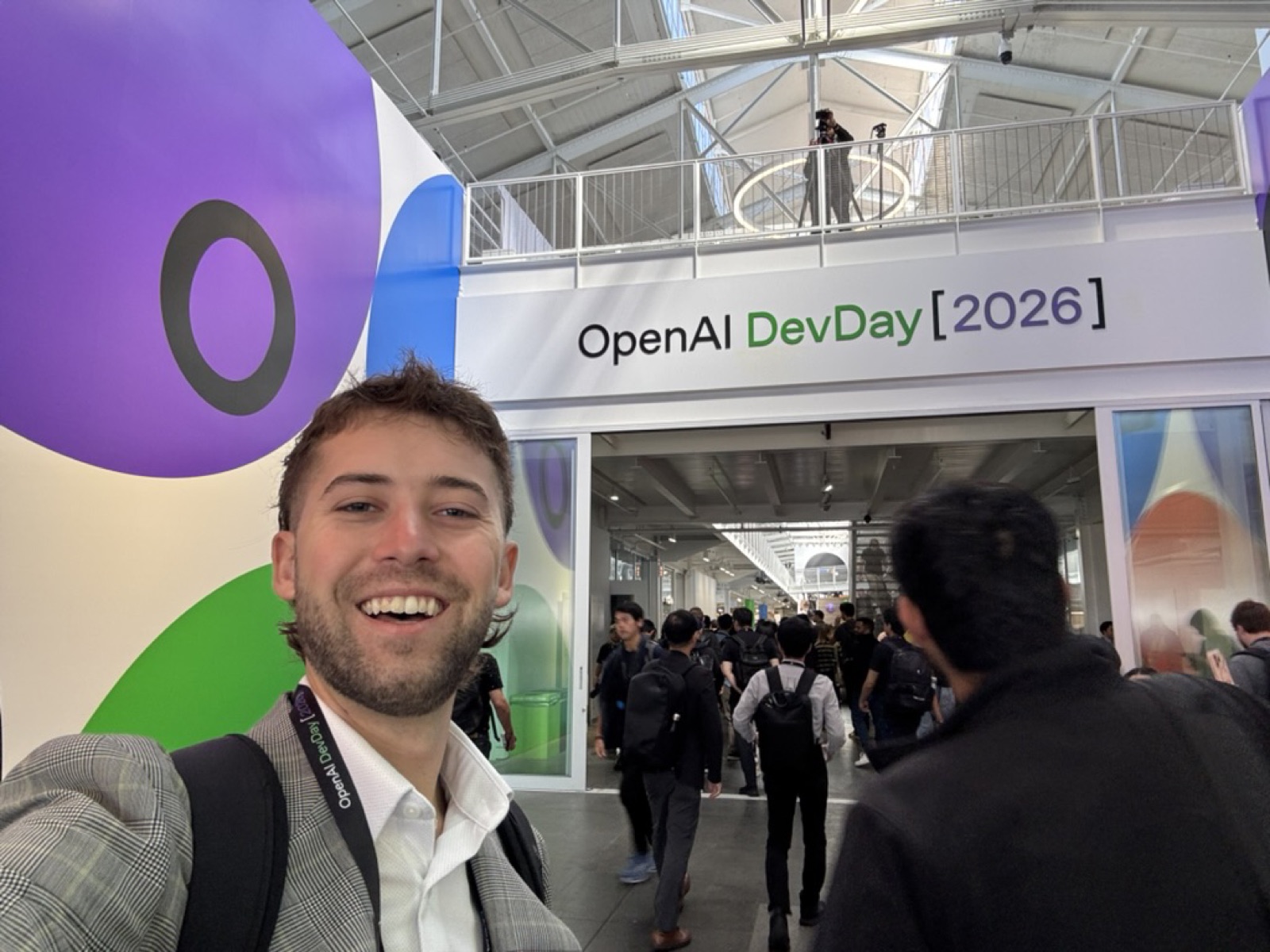
I wanted to make the most of it. I went to sessions, talked to other builders, and posted updates on X until constant posting started to make me feel a little like a shill.
I use OpenAI’s tools all day, every day. You could call me Runpoint’s resident OpenAI guy, though I’m trying hard to keep that from turning into “resident fanboy.” I like many of their products, and I have plenty of complaints about others.
Sam Altman opened the day with a series of announcements that reached well beyond a new model: proactive assistants, shared workspaces, cloud computers for agents, sign in with ChatGPT, GPT-6.1 Sol, and ways for other companies to build on the platform. Here’s what matters a week later, and what doesn’t.
Dots: an assistant that fits into my life
OpenAI describes Dots as agents designed to handle ongoing responsibilities. They can work across connected apps, use a cloud computer, and continue tasks between conversations. You give an agent a name and a brief description of what you need; it then works with the services you’ve connected to ChatGPT and gradually develops a better sense of your work.
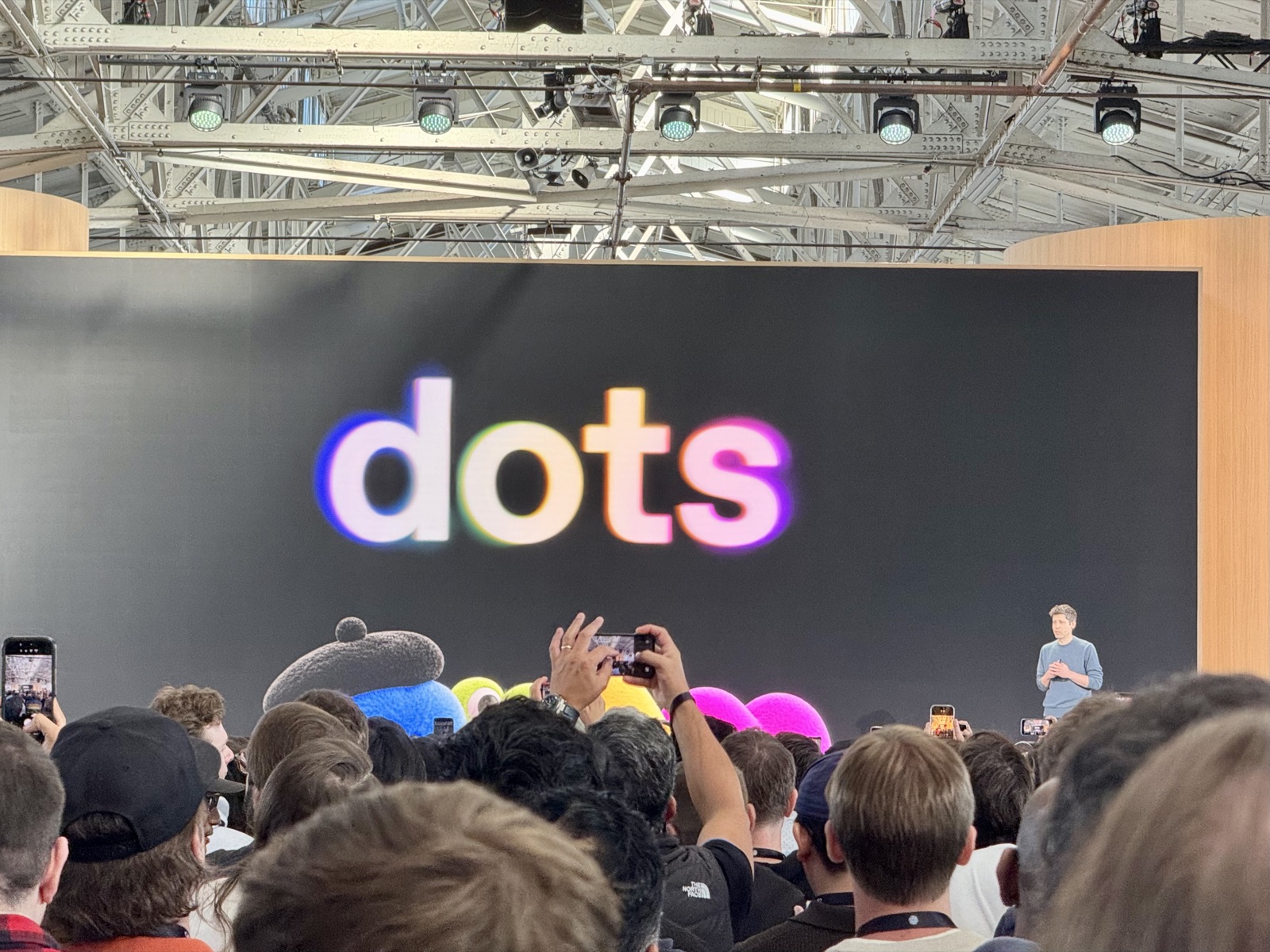
Dots were the announcement that most caught my attention. I’d expected a proactive agent from OpenAI and I’m pretty happy with the implementation and branding of the basic idea. I’ve long wanted an assistant that could understand my work, remember what mattered, and follow through from one conversation to the next. I tried Hermes and OpenClaw, but neither was simple enough to become part of my daily life. Dots is the first that has come close.
That idea is compelling because much of the information an assistant would need about me already exists in Granola transcripts, Google Docs, Gmail, Linear, and GitHub. Dots is an attempt to gather information across all your apps, reducing the time spent ferrying context from one system to another and leaving more room for the decisions that still require human judgment.
After a week, my overall view is mixed: Dots are an incredible idea, with execution that feels rushed. Its connection to my information has been useful, but managing Codex tasks and cloud development has been shaky enough that I’m not ready to depend on it.
It’s also more opaque than I’d like. I want to know what an agent is doing and what stopped it, and removing complexity sometimes makes failures harder to understand. The new voice experience feels like calling an assistant, but I still want to see what happens afterward.
I’ll keep using mine for accountability, transcripts, and to-dos, while managing development directly in Codex.
If you’re looking to try Dots but don’t know where to start, give it access to your calendar and meeting transcripts, then ask it to identify commitments and help you keep them. This simple request makes a huge difference in keeping me on track as I go from meeting to meeting, and from there I can dispatch requests and work.
6.1 Sol: The model you can use all day
OpenAI positions 6.1 Sol for coding and professional work, with performance close to Astra at a lower cost.
GPT-6.1 Sol has been a clearer success for me. I’d hoped for a new Astra model, but Sol answered the more immediate question of how much useful work I can get done with the usage I’m already paying for.
In my experience, it’s a good model that isn’t as capable as Astra, but lets me get through much more of my regular work. At High effort, I’ve been able to run my usual workloads without constantly thinking about usage limits, and it feels much better than the rationing I was doing before.
Pro $500: more usage, for a price
OpenAI also introduced a $500 monthly Pro plan. It includes access to Astra’s Ultrafast mode, which promises faster token generation but consumes more usage than standard Astra.
I see two directions here: OpenAI is selling a more expensive option for people who want more usage and speed, while Sol makes my regular work less costly. We’ll see how this continues to evolve as frontier models get more expensive, but their distillations like 6.1 Sol get more efficient.
Cloud environments: Codex can leave the laptop
Tired of propping open your laptop? OpenAI (re)launched cloud environments giving Codex somewhere to run while your computer sleeps. You can prepare a development setup and use it across tasks, with each new task receiving its own workspace.
Sounds like a great idea, but in practice the tests I’ve run through Dots haven’t been reliable enough. It still doesn’t feel as convenient as starting a local thread with the files already on my computer.
What I really want is to point Codex at a local folder, move the work to the cloud, and keep everything in sync. That’s the handoff I’m still waiting for. The desktop app is where I do my serious agent work now. Dots and cloud environments will need to reach that same level before I’m ready to hand over more of my development work.
ChatGPT Space: a shared place for the work
Space gives teams a place to keep files and Pages and work with both colleagues and agents. It puts more of the work itself inside ChatGPT, rather than leaving the output at the bottom of a chat. A shot across the bow at Notion? I’ll leave it to you to decide.
Meetings: turn the conversation into context
The Meetings plugin records meetings and saves notes in Space, where ChatGPT can use connected information to suggest follow-up work. This may be many people’s first introduction to seamless meeting recording, right in the ChatGPT desktop app.
Plugin Extensions: apps inside the app
Plugin Extensions let developers put their own interfaces inside ChatGPT, including sidebar apps, conversation panels, and file editors. Launching with Canva and Adobe, we’ll see if ChatGPT can manage to be a platform by incorporating an app store. If your product belongs alongside an assistant, this could be an early opportunity to reach people where they’re already working.
Sign in with ChatGPT: take your subscription with you
Currently limited to a small group of apps, the new sign in with ChatGPT lets you bring usage from your OpenAI subscription to other apps. My reading is that OpenAI wants to be your AI subscription, even when you’re using someone else’s product.
The Agents API: build with the machinery behind Codex
The Agents API gives developers an OpenAI-managed version of the system that runs Codex, with tools and optional hosted environments for doing work. DevDay added computer use, so an application’s agent can interact with software through its interface. The platform strategy again: the tools I use in a desktop app can become parts of someone else’s product.
Marketplace: enterprise spend with partner tools
Enterprise customers can apply part of their OpenAI commitment toward approved partner software, including Baseten for open-source models. More acknowledgement from their team that price per finished task is a priority, even if that means not using their models.
The rest of the announcements
The rest included code review, Codex Security Cloud, team collaboration, updates to the OpenAI CLI, MCP Events, the Decisions API, agents on Amazon Bedrock, and Private Intelligence for enterprise privacy. Collaborative slide editing was announced for the coming weeks. Full announcement list
Building with Loops and what comes after agents
Of all the sessions I attended, “Building with Loops: What Comes After Agents?” was the best of the day for me. It took the tools from the keynote and showed how OpenAI’s developers and researchers organize the work around them, with ideas I could bring straight back to my projects.
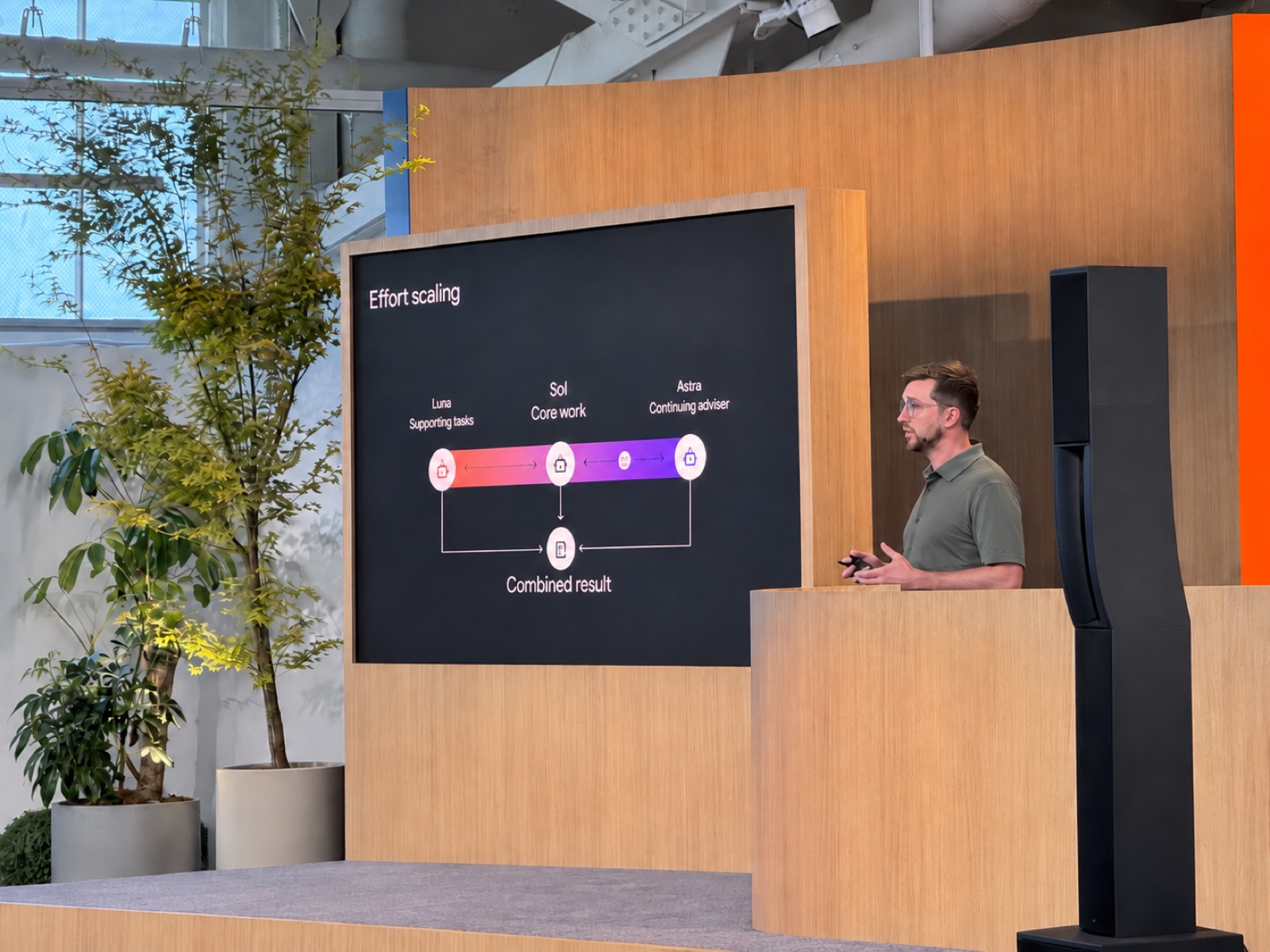
The presenters suggested making Sol the main agent you work with, while letting it pass simpler tasks with clear plans to Luna and bring in Astra for difficult questions or continuing review. Rather than manually choosing a model for every piece of work, the agent has been specifically trained to consider those choices and use its judgment about where the extra capability is worth the cost.
Much of the advice sounded obvious afterward, but seeing how OpenAI’s own developers use these tools made me want to try it.
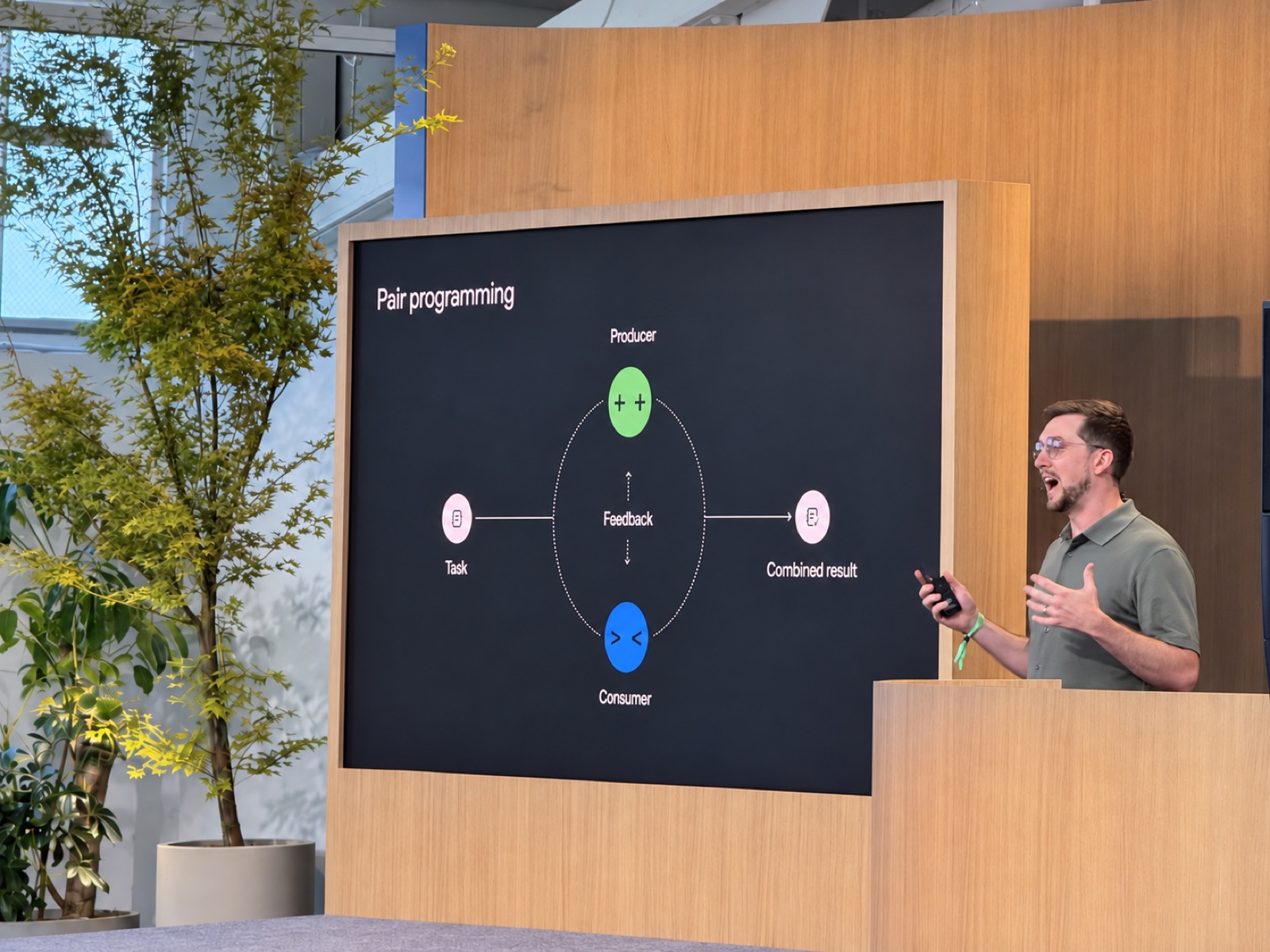
Another example was pair programming with a producer and a consumer. The producer builds the result, while the consumer takes the final user’s role and tries to use what was built.
I often take the consumer’s role myself, testing an application for confusing behavior or missing requirements. I’ve also asked one agent to build something and review its own work, but this session offered a better division: give two agents the same outcome and requirements, with separate responsibilities and clear file ownership. The builder starts the application; the tester opens it in a browser as the intended user, tries sample data, looks for failures, and gives feedback directly to the builder. Both contribute, with one responsible for assembling the result.
That’s changed my practice. I now ask for a separate consumer agent and give it the requirements and user roles I already define for my projects. The two can work through the feedback together, while I remain responsible for judging the result.
For larger teams, shared work logs help another agent continue where one stopped. Clear ownership keeps agents from making conflicting changes to the same files.
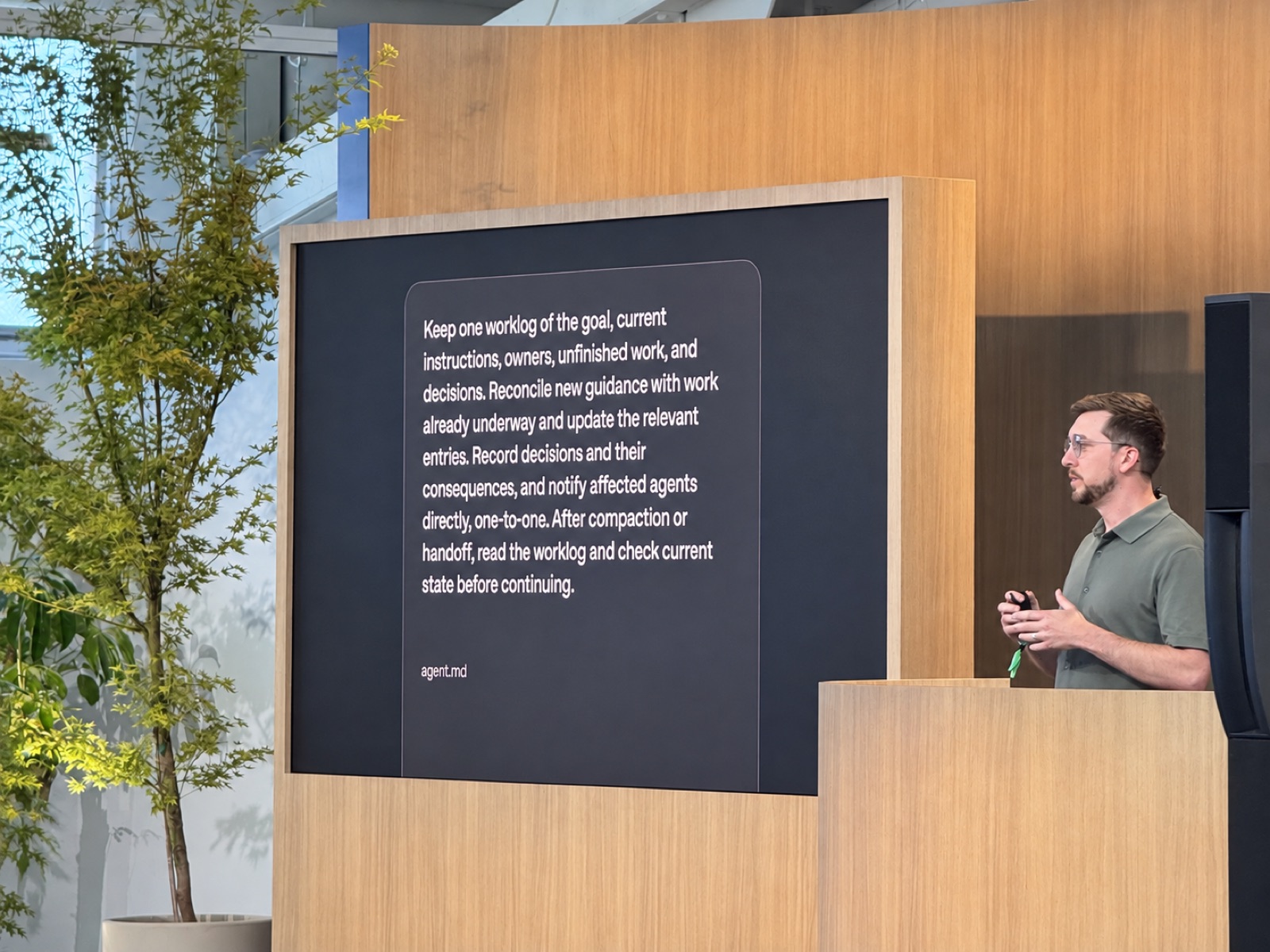
You can make that process reusable through a skill: instructions an agent loads when the work calls for them. The skill describes how to divide the work, coordinate, and assemble the result, so you don’t need to explain it every time.
At the much larger end of the session was OpenAI’s Navier–Stokes research approach of roughly 10,000 agents in the group that produced its reported solution, with groups exploring different approaches and sharing useful findings. OpenAI’s research report
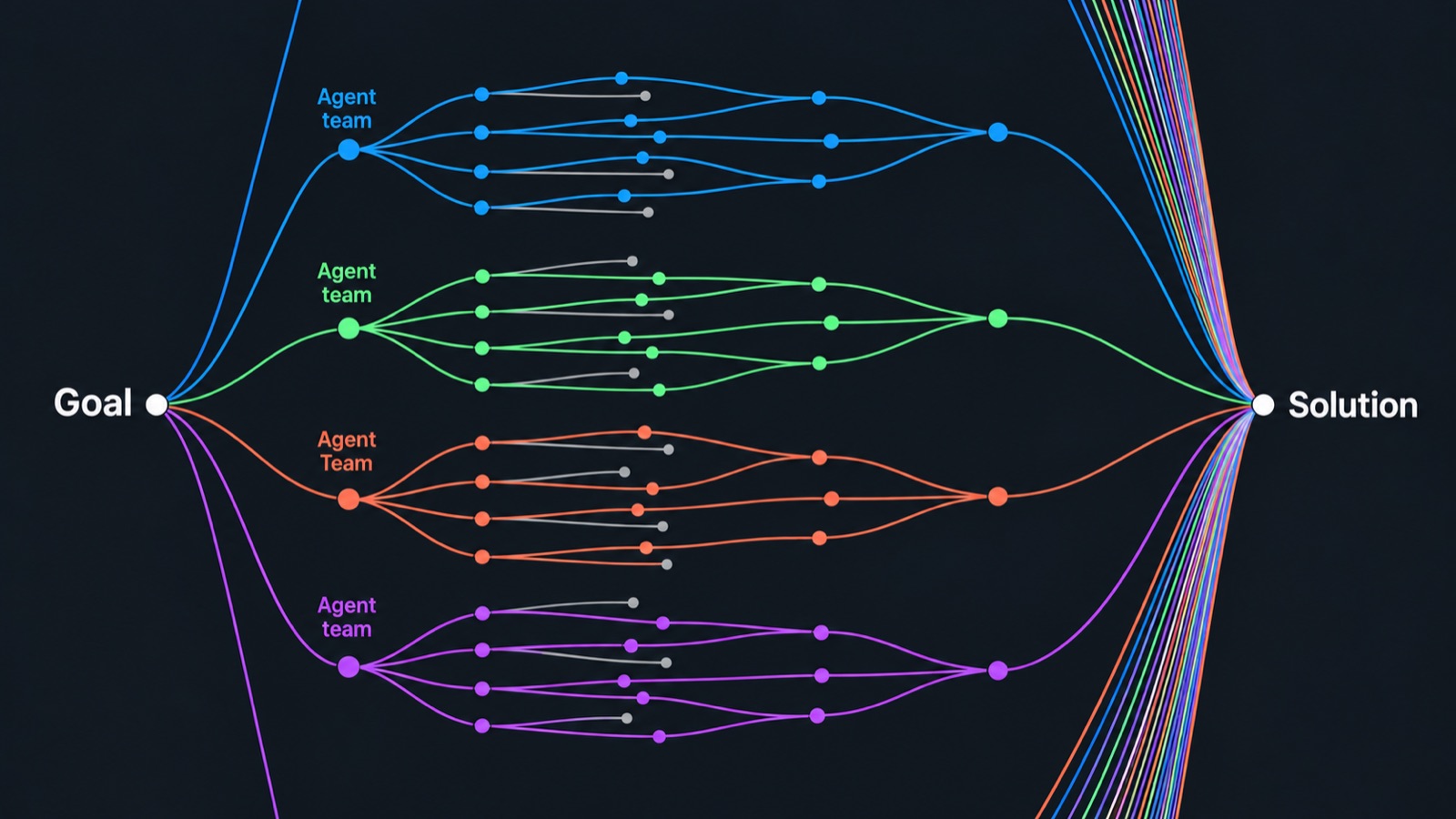
The older “Ralph loop” approach kept prompting an agent to continue. Here, teams of agents explored different solutions and shared findings, so even a failed path could teach another group something.
I don’t have a research budget for thousands of agents, but I can give a pair clear responsibilities, shared notes, and a concrete outcome. That was the part I wanted to bring home: better ways of working with the models I can already afford.
Where the industry is headed: safety as the priority
Safety and alignment kept coming up in panels and the closing Q&A. OpenAI felt cautious to me, and I’ve felt that in the harnesses and models they’ve launched over the last couple of months. There’s growing evidence that these questions are taking more attention. Before DevDay, OpenAI published a framework for reporting unexpected model behavior, including unauthorized actions and failures of oversight.
I expect these questions to matter more as agents continue to do more on our behalf.
Where it’s headed for users: more work for the same budget
Sol has made ordinary tasks easier to run without rationing usage, and I expect this trend to continue as OpenAI works towards “intelligence too cheap to meter”.
A week after DevDay, I’m keeping Sol for most of my work, giving a separate agent the job of testing what another builds, and using my Dot to help me keep track of commitments.
As models get cheaper and agents become more capable, I think more of the value will come from how we work with them: giving them the context they need, dividing the work well, and being clear about where our judgment matters.
That’s what made the client task after my red-eye stand out so much. I still directed the work and approved the reply, but my Dot found the request and helped finish it. On a day when I could use the help, it took real work off my plate. That’s the future we can look forward to.